
Xbox 360 - Initial Impressions
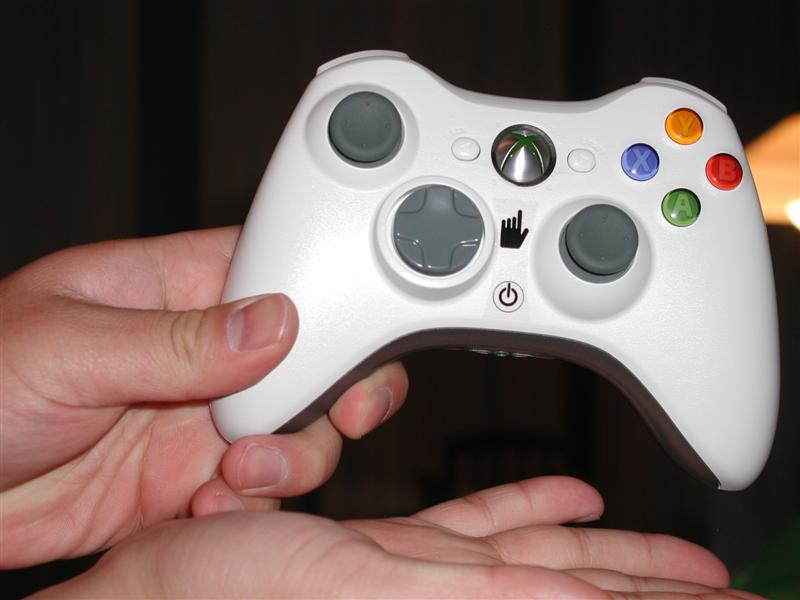
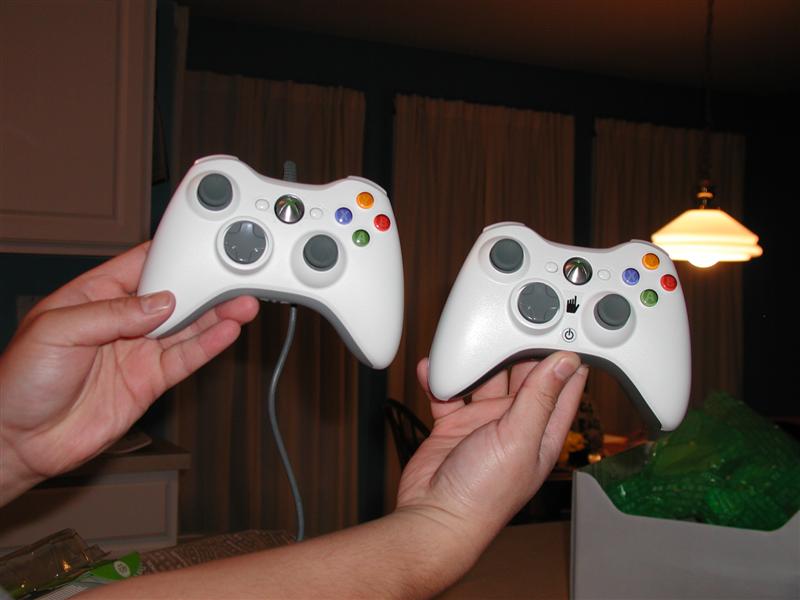
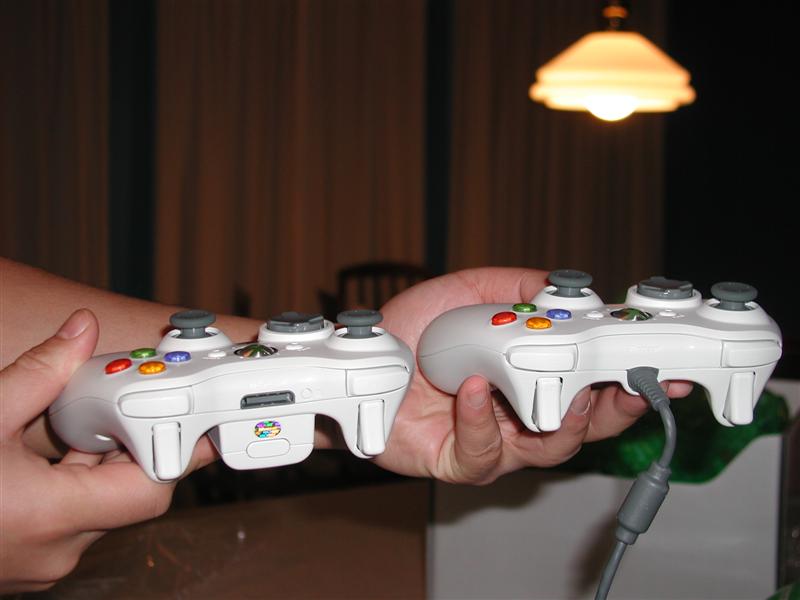
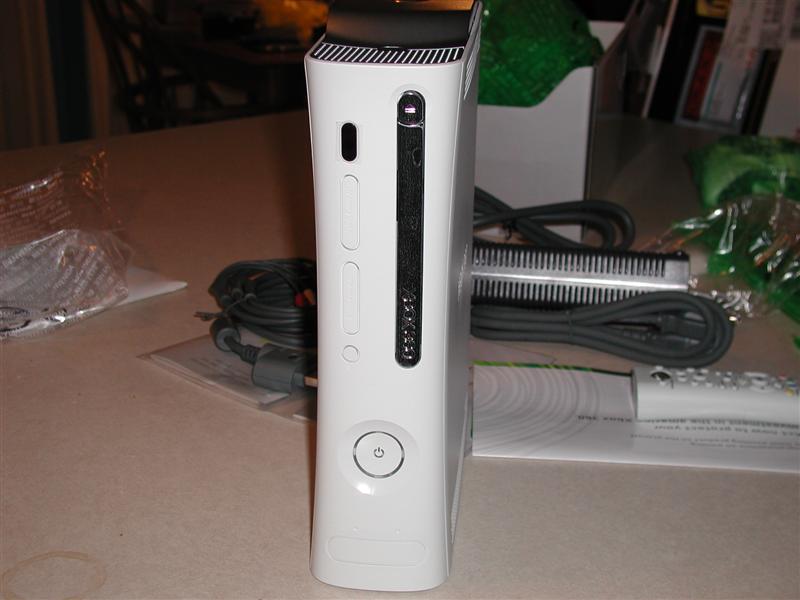
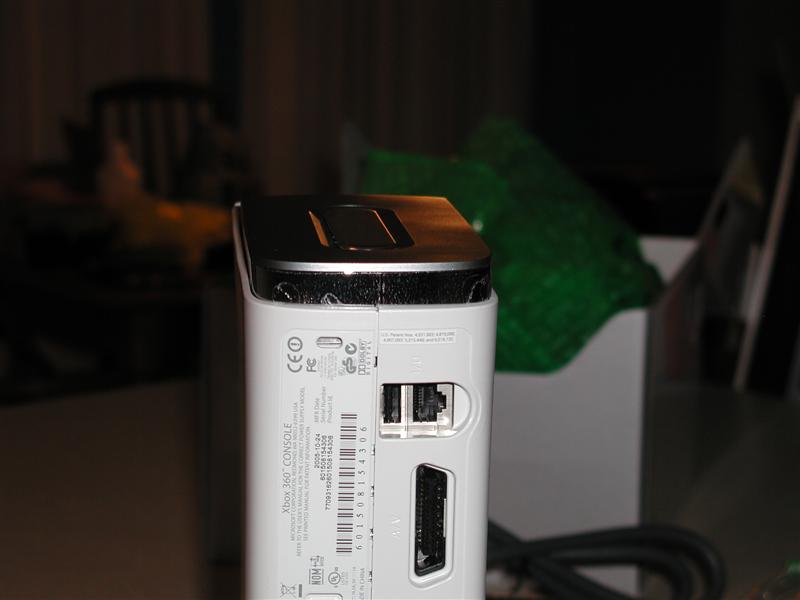
Our retail review 360 finally came in today and after an interesting adventure at the UPS John and I finally got the unit back to my house. If you have a box opening fetish there are several other sites that can have already posted a ton of pictures of what the device and the packing materials look like. If you want some pictures of the unit and accessories you can check out the images at the bottom of the page. A few quick notes on what’s in the box:
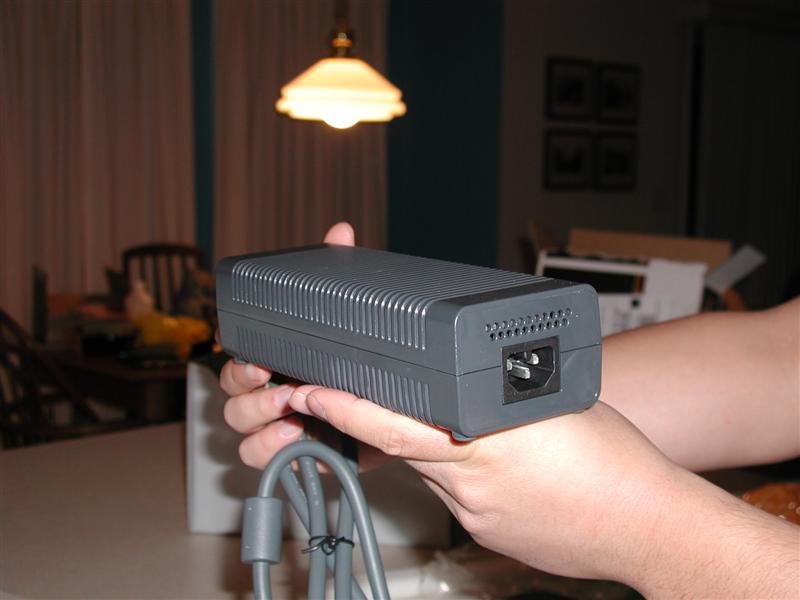
- Yes the power supply is frickin’ huge and could be used as a means of self defense if your house is ever invaded (it would make a heck of a flail). The length of the cord is also a bit odd with the brick more in the middle of the two cables than towards one end of the other. Needless to say you’ll want to put the 360 on the lower shelf of your component cabinet rather than the top one.
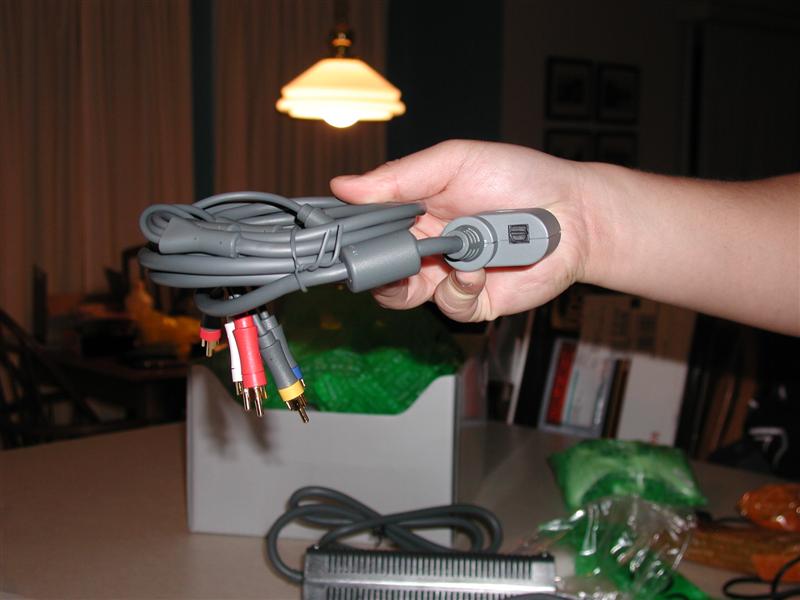
- I really like the HD cables included in the package. You get two sets of cables (component and HDTV outputs) in one set of cables and the optical output is actually on the back of the connection to the Xbox. Nice use of space
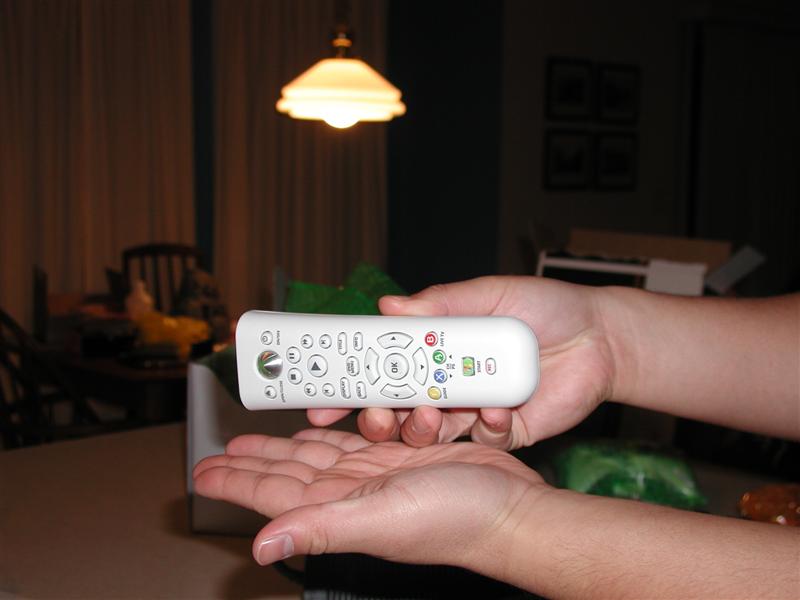
- The remote is really nice, almost easier to setup the machine with this rather than the controller.
- Instead of plunking down $100 for the Microsoft Wireless network connector I just re-used my old Linksys Wireless Game Adapter. It actually seems to get better connections now that before. It’s only an 802.11b connection but right now it’s going to get the job done. The system did recognize that it wasn’t a high speed connection when I tried futzing around with some of the media extender settings but that was about it.
- Turning on/off the system with the controllers is hella-sweet, I know I’m lazy but this is a really cool feature.

Next up is setting up Xbox Live. I had already hooked up my gamertag account to my passport account so this was pretty easy

Then you confirm that you want to add the info to your account

Hey look, a day one update for a console…not that surprising I guess..

And it’s time to update, this wasn’t a big update and only took a minute or two
 Now all you do is enter your old GamerTag
Here’s a pic of the new digital keyboard for the 360, I like it a lot more than the old one as it’s a bit easier to get around

After entering your GamerTag you just enter your Passport account info (user name and password)

Of course you’ll have to agree to the terms of service

And then you agree to convert your account over to a Gold account. This was pretty cool as the system actually picked up the system options from the web when I had setup my account online. You also have a lot more options for your GamerTag picture.

Next you select the zone you want (in case you want to change it from what you had before
Setting up which time zone and daylight savings


And then saving the info to your system

Total setup time was less than 30 minutes but your mileage may vary depending on if you've already attached you Gamertag to a passport account or not. While you may not like the idea of doing so, it makes setting up your Xbox Live very, very easy.
After finally getting all of that in it was time to play some games. I had picked up NHL 2K6 and Condemned: Criminal Origins before dinner and since I’m one of the few hockey fans left on the face of the Earth I figured it was only proper to fire that game up first. Given that I don’t have an HDTV I have to admit I was a bit disappointed. The game looks and plays exactly like the Xbox version. Sure there’s the new goalie controls but I’m not sure that really justifies an extra $40. I’m going to play the game a little bit more tomorrow but I have a feeling that one is going back to EB for Madden 06 or something else. I can also see 2KSports didn’t come up with a backwards compatible patch for 2K6 as they are trying to sell new versions of the game on the 360.
Condemned was a much better example of what the 360 is capable of. I only got through the first level and a half but the game is exceedingly well done and good looking. Lots of little graphical tweaks here and there that really spruces up the game. Is it something that could be done on a high end PC? Maybe but it would require you to spend a lot more on the PC to play it at the same level you would on the 360. I did have a blast with this game and there were more than a few creepy moments in the game. Monolith has done a great job with the sound in the game and I like how objects lying around can be used as weapons.
The new Xbox Live functionality is pretty solid. I really like that you can download demos and trailers for free and check them out before buying them. The new Xbox Arcade is also excellent and again, the trying before buying system is a good way to get people to buy games. I tried out the trials of Gauntlet and Geometry Wars tonight and both were pretty solid. I’ll probably be buying Geometry Wars next week as the game is just a blast to play.
Here are a few miscellaneous notes to wrap things up for the day.
The achievement system of Xbox Live is awesome and it’s a blast to unlock things as you go along in the game. However it’s up to the developers to take advantage of that system and you’re going to have companies that kind of half-ass the system just to get it certified as Live Aware (I’m looking at you 2KSports and your six achievements for NHL2K6)
Fan noise is going to be an issue for a lot of people. They aren’t quite Delta 70+db loud but you will notice them when you are playing a stealth game like Condemned.
When you download something off Xbox Live it looks like you are stuck on that screen while you are downloading it (i.e. no playing something while something download in the background). I would think you can do this but I haven’t figured it out yet. Not a big deal when downloading 35 meg arcade demo but kind of a big deal when you want to pull down a 500+ meg real game demo
So far I’m pretty impressed with the potential of the device. The Marketplace system has some major potential for changing the way people buy and play games. I’m interested to see how MS regulates what people sell on the system but if they make it pretty easy to publish small games on the system it’s going to be huge.
Tomorrow and Sunday I’m going to take a look at the multimedia capability of the system and play around with connecting miscellaneous devices to the system and seeing how all that works. I’m also going to try and find one of the Xbox 360 VGA connectors so I can run it at high def on my LCD monitor and maybe pick up one or two more games.
If you have any particular questions about the system that you want answered click my name at the top of the page and send me an e-mail. I’ll do what I can to get back to you (yes I know the pictures of the TV suck but it was the only solution at the time).
* The product in this article was sent to us by the developer/company.


About Author
Hi, my name is Charles Husemann and I've been gaming for longer than I care to admit. For me it's always been about competing and a burning off stress. It started off simply enough with Choplifter and Lode Runner on the Apple //e, then it was the curse of Tank and Yars Revenge on the 2600. The addiction subsided somewhat until I went to college where dramatic decreases in my GPA could be traced to the release of X:Com and Doom. I was a Microsoft Xbox MVP from 2009 to 2014. I currently own stock in Microsoft, AMD, and nVidia.
