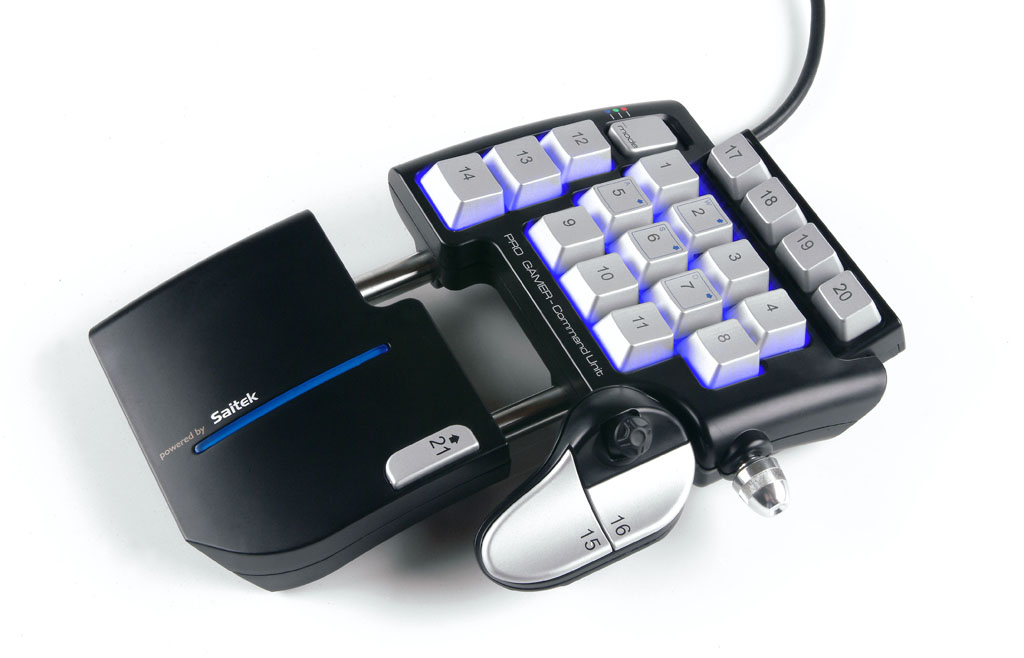
Pro Gamer Command
The first thing you’ll notice about the Command Unit is the look. With the introduction of the Eclipse Keyboard, Saitek gaming products have a black plastic mold with silver ‘gun metal’ buttons and a patented blue LED as the signature of their gaming line. The Pro Gamer Command Unit looks very much like the little brother of the Eclipse Keyboard, down to the decent weight and oversized non-skid pads on the bottom.
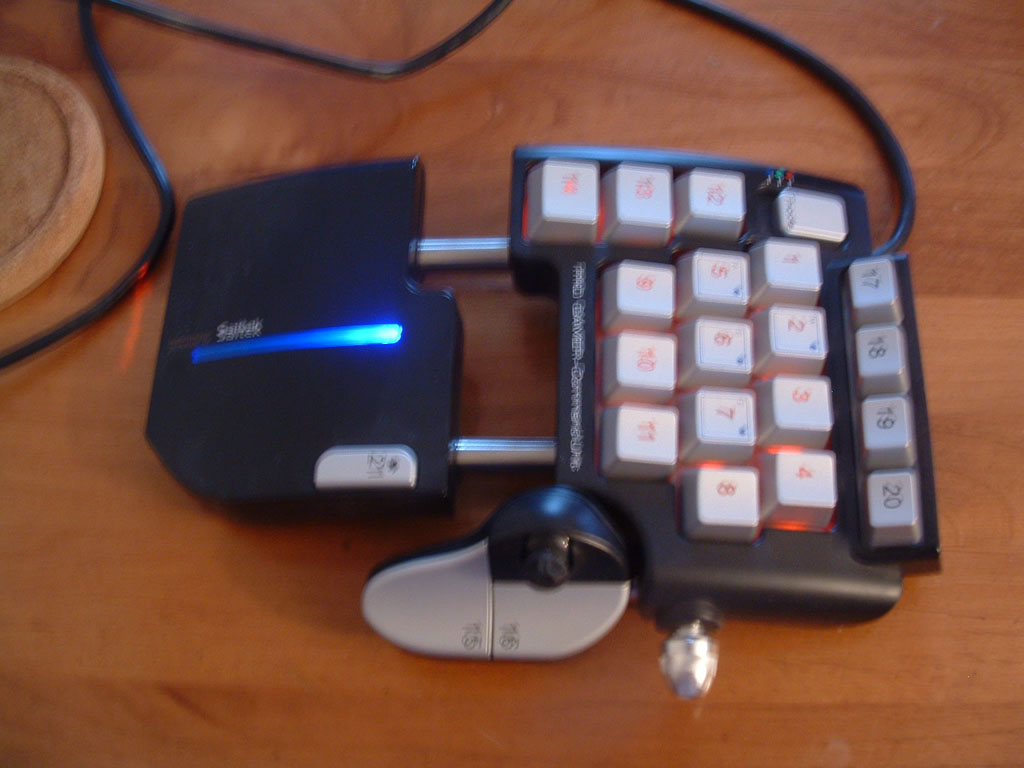
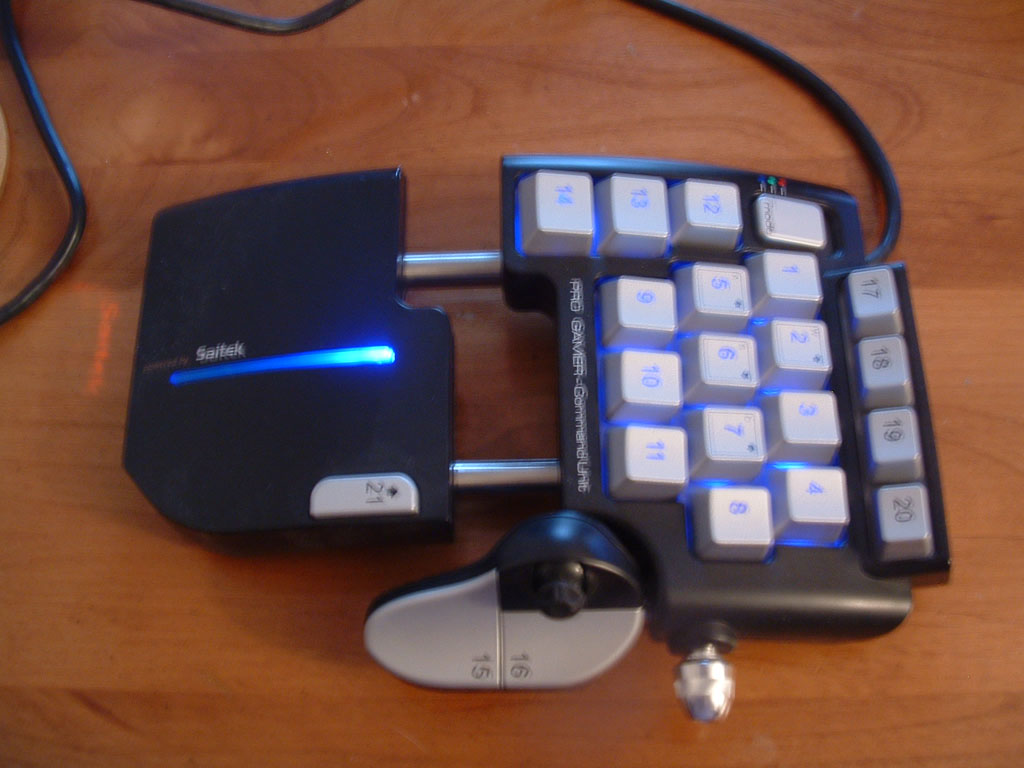
The Command Unit has a decorative blue LED on the hand rest, while the backlighting of the keypad switches between blue, green, and red based on which of the 3 preset modes (FPS, RPG, and RTS) the Command Unit is in. Following the path of the Eclipse Keyboard, the numbers on the 21 programmable keys are laser etched with the LED illuminating the keys. The LED backlighting and laser etching allows easy use for nighttime or dark room LAN play, which is always a plus. On a stylish note, a red LED shines through a piece of clear plastic on the bottom front of the unit displaying the Saitek name on the surface the unit is placed.
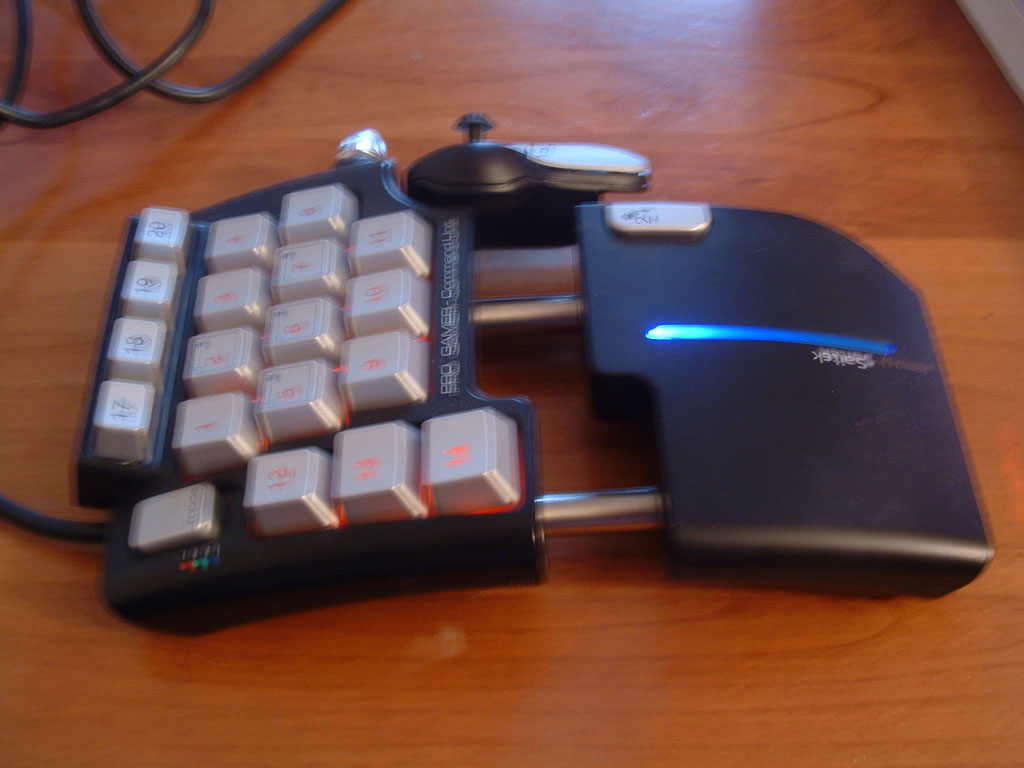
While looks are nice, when it comes to gaming, comfort and function are everything. If the device isn’t easy or comfortable to use, it’s not going to improve the game play experience at all. The comfort aspect of the Command Unit comes from the ergonomic design of the wrist wrest (set seemingly for those gamers like myself with larger hands) and adjustable pinky/thumb control (supporting 2 buttons and the 4 way hat).
The function of the Command Unit is primarily enhanced through the programmability of the keys. The 21 programmable keys in conjunction with three modes of the Command Unit allow for 144 unique settings if used in conjunction with a game allowing use of the shift key. This is all without the 4 way hat, which offers even more flexibility.
One of the few flaws in the Command Unit is that programming it can be a little tricky. I decided to start using it with my current favorite game, Star Wars: Battlefront II. This was the first game I have programmed the Command Unit to take advantage of the flexibility of the SST programming software. I will say gamers who wish to make use of the SST software will definitely want to read the SST manual first. It doesn’t take too long to get the hang of it, but you can really waste some time in programming if you don’t take a minute to learn about it first.
Once I got the programming down and moved into the game, I found I had no need whatsoever for the keyboard, and was able to keep one hand on my PC Gaming Mouse and the other on the Command Unit at all times. Programming one of the pinkie keys to handle switching between weapons kept my primary fingers available for player movement. As a sniper, I become much more lethal by programming a button on the command pad to cycle through the zoom on the sniper rifle. I was able to get into position, get off a shot, and be back on the move in mere seconds.
My next game was D-Day. Initially, I didn’t do any specific programming of the Command Unit. I merely switched it to RTS mode, and relied on the pre-programmed functionality. I soon found that I was encountering the same issues I had originally found with D-Day, selecting and grouping the various units was taking more time than I wanted, and made it difficult to keep track of my units. By adding grouping and “go to” shortcuts to the Command Unit, I found I was able to reduce startup time at the beginning of each mission.
Finally, I played Star Wars: Galaxies. This was the one area where the Command Unit wasn’t really useful. Sure, I programmed it with a couple dozen shortcuts to make changing weapons, entering and exiting vehicles, etc. easier, but unless I was on a solo mission I found I had to continually switch back and forth between the Command Unit and the keyboard due to the social aspects of online gaming. I have to say I wouldn’t recommend the Command Unit to gamers heavily into MMORPG’s, simply because they would likely find it of limited usability.
While overall the Command Unit performed very well, I must mention that programming before each game takes time, and even after programming is initially complete, I found myself tinkering with the layout of the keys I had assigned specific presets. Also, as my review unit of the Command Unit was Saitek’s actual demonstration unit, the top row of function keys would not light up. I was informed of this ahead of time, and that this issue would not be present on retail units.
In conclusion, The Pro Gamer Command Unit is extremely useful for solo play or local LAN FPS or RTS gaming, or for those gamers who spend little or no time socializing.
Rating: 8.5 Very Good
* The product in this article was sent to us by the developer/company.



About Author
On my 12th birthday, I got a floppy drive, I stayed up all night playing Stock Market for Commodore 64. I owned everyone I knew at the various NHL titles for Genesis. I first learned how to code in LPC in the middle of the night from a heroine addict on the campus of Michigan State University back in 1992 when MUDding was the only ORPG there was. I was a journalism major my first time through college, and have been writing off and on since, and programmed up until 5 years ago, when I put down the tools of ignorance to become a business analyst. I'm a member of several gaming 12 step programs for MMO's, and I don't game nearly as much as I used to. I'm mostly on the lookout for items you haven't already seen reviewed 50 times, whether they are games, or just things a gamer might use. I'm now work out of GN's east coast office in Boston, and looking forward to spending the weekends my fiancee is away with Boston University Women's Hockey playing games while the snow falls. View Profile
