Beyond TV 4
When last
I used Snapstream, now known as Beyond TV I thought the program
had great potential. The ease of programming along with the remote recording
option made it the HTPC program of my choice for a long time. It wasn't until I
ran into a few limitations that I switched to Microsoft's Windows XP Media Center
2005. With the recent release of Beyond TV 4, I decided to take
another look at the program to see how far it's come since version 3.5.
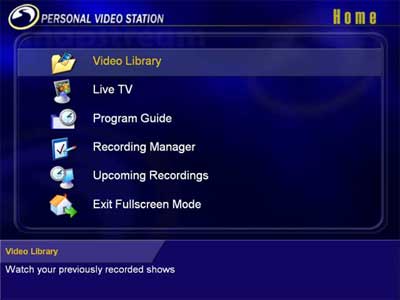
The old look...
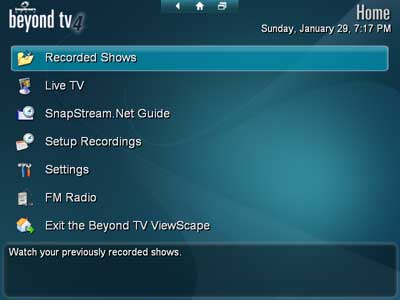
The NEW look...
Without
having to go through the program, I will point you to my review of Beyond TV
from a few years ago as the program's core functions haven’t changed too much.
So in this piece, I'll go through what’s' new and what's changed from my last
experiences. Installation’s still easy as ever with a very good wizard through
the setup process. There’s support for a good number of remotes and being that
I was used to the Microsoft Media Center remote, the program was able to
configure itself to use most of the buttons without any hassle.
One very
nice change is that you are no longer forced to purchase multiple licenses for
multiple tuners. Before you had to pay an additional fee after the second tuner
but now the latest version lets you use as many tuners as you want for one
price. Good job Snapstream!
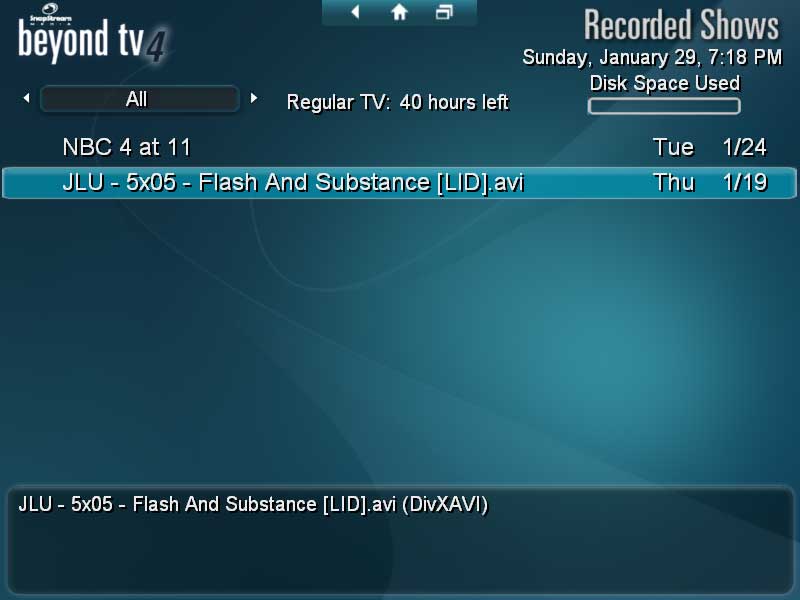
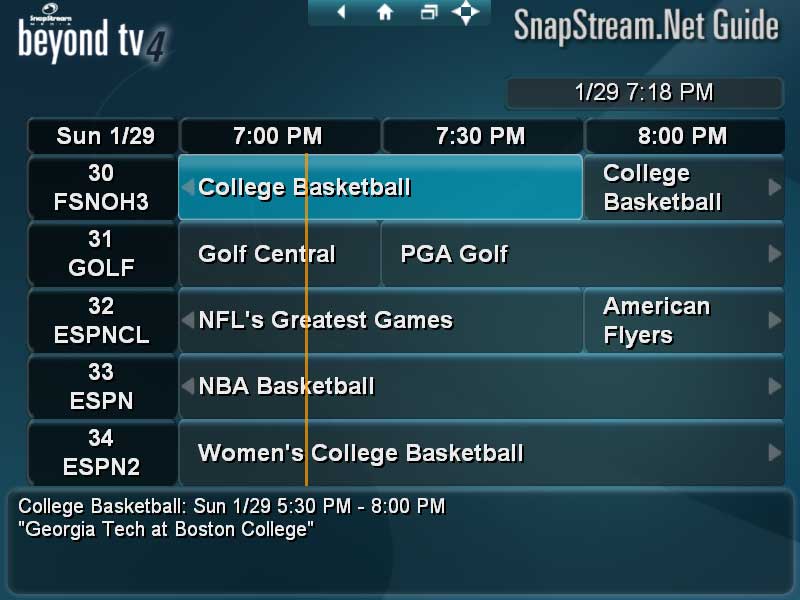
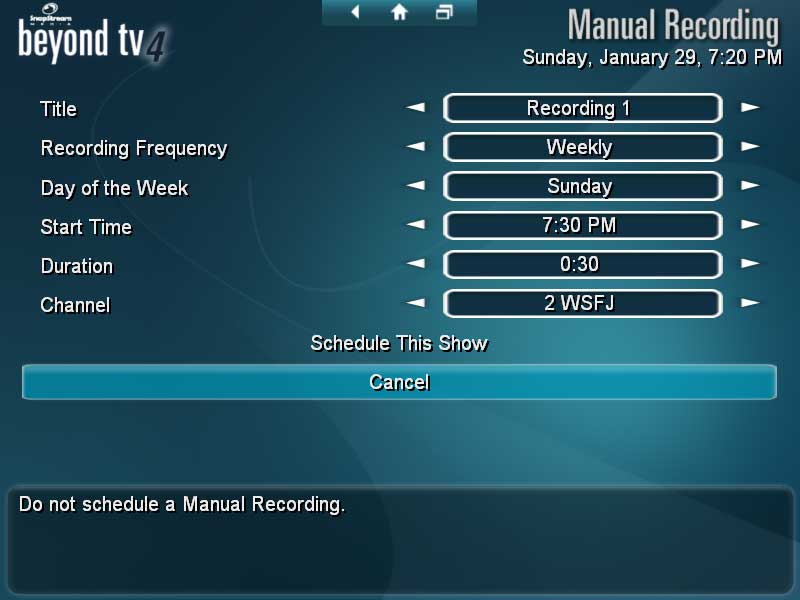
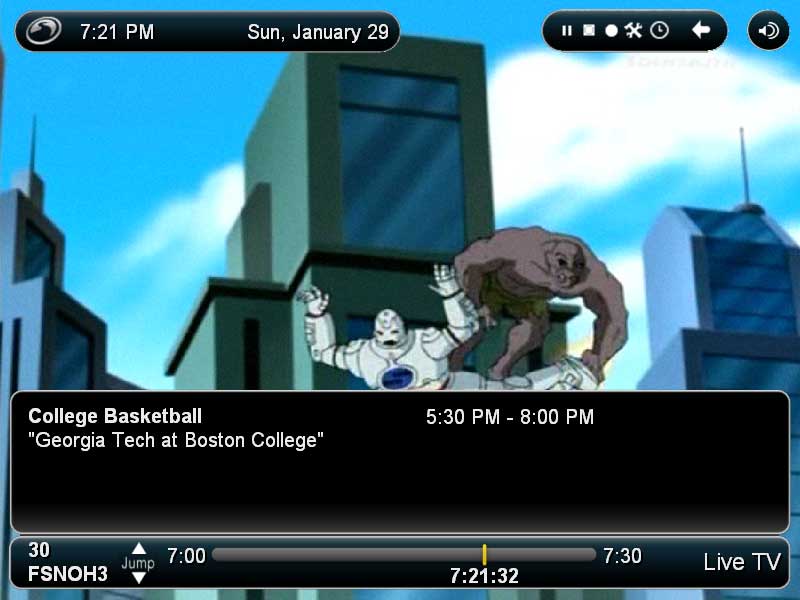
The first
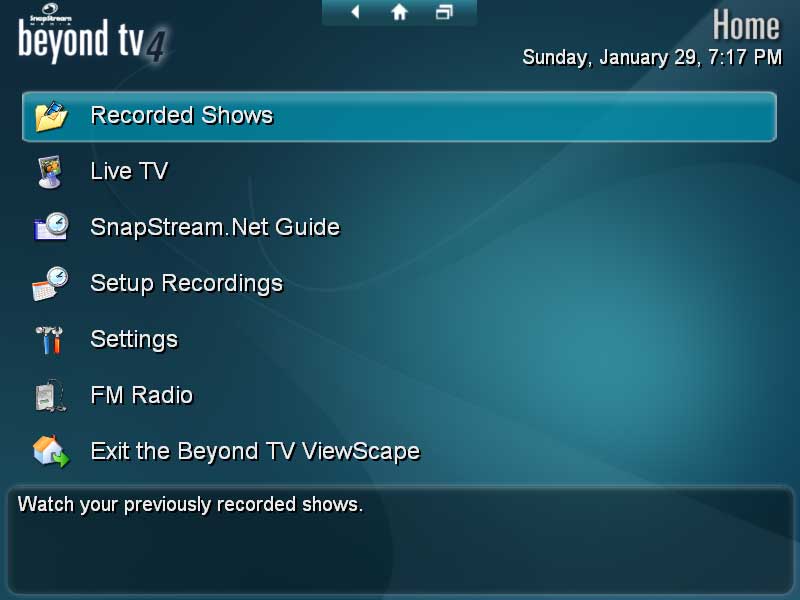
thing that will pop out to previous users is the interface change. The color
scheme and style has been updated and I must say I really like Snapstream’s use
of colors here. I actually prefer the new look over the old but you can change
the skin of this product if you don’t find it appealing. In truth, if you can’t
stand looking at the skin, then you probably won’t last long with the product.
With Beyond TV 4’s ability to skin the application, you can change the
look and feel to one that you are more happy with and that’s something that a
default Media Center 2005 setup cannot do without some plugins.
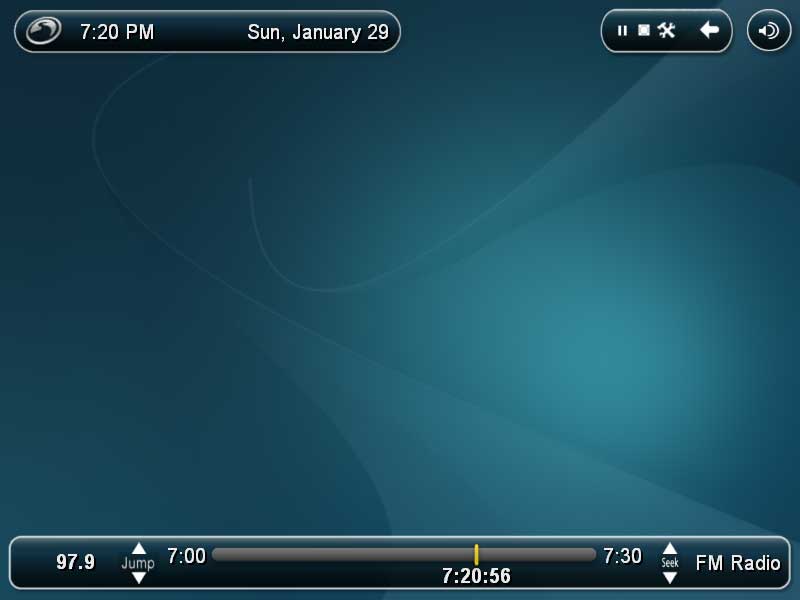
A few
other applications have FM support and Beyond TV 4 finally has it as
well. As with TV, you can timeshift but like Media Center 2005 you
cannot record. Software from ATI and Leadtek allows recording of radio on their
respective hardware but Beyond TV 4 sadly does not. I’m hoping that the
team incorporates the ability to record into future releases though but at
least you can timeshift and pause live radio.
LiveTV is
very solid now. I’ve been running the programs on various configurations and combinations
of All-in-Wonder tuners as well as Hauppauge tuners with hardware encoding.
With each hardware, I was able to watch, record, and timeshift TV easily. One
of the problems I had with earlier versions of the software was stability. The
program would crash without warning and then I would miss shows that I would’ve
liked to have recorded. Beyond TV 4, after a few months usage, was stable
throughout and didn’t exhibit any memory leaks that plagued the previous
versions. I checked the memory usage with the task manager and the three
processes stayed within their usual memory usage specs.
A really
welcomed new feature for Beyond TV 4 is the support for OTA HDTV. I’ve
been using Media Center 2005 with my HDTV Wonder from ATI and
have had wonderful results watching the major networks in high-def on my 44”
LCD TV. Installing the ATI card and finding channels was a snap as well. The
channels showed up in the thousand range, like Media Center 2005. I was
also able to pass through the 5.1 audio to my receiver to be decoded so the
true HD experience is there now with the product. Unlike Media Center 2005,
Beyond TV 4 supports more than two HD tuners. I never did like
Microsoft’s limitations on tuners and Snapstream’s less restrictive measures is
really nice for those that watch a lot of TV.
If you’re
a user of the program’s ShowSqueeze function to help save hard drive space, you
will be disappointed to learn that the current version of Beyond TV 4 won’t
compress HDTV recordings. That’s a shame really as a few HD recordings can
really eat up your hard drive space. Then again, you’ll lose the clarity of an
HD picture if you compress it as well, but there are some settings that would
give you great picture quality and smaller disk space to make it worth while.
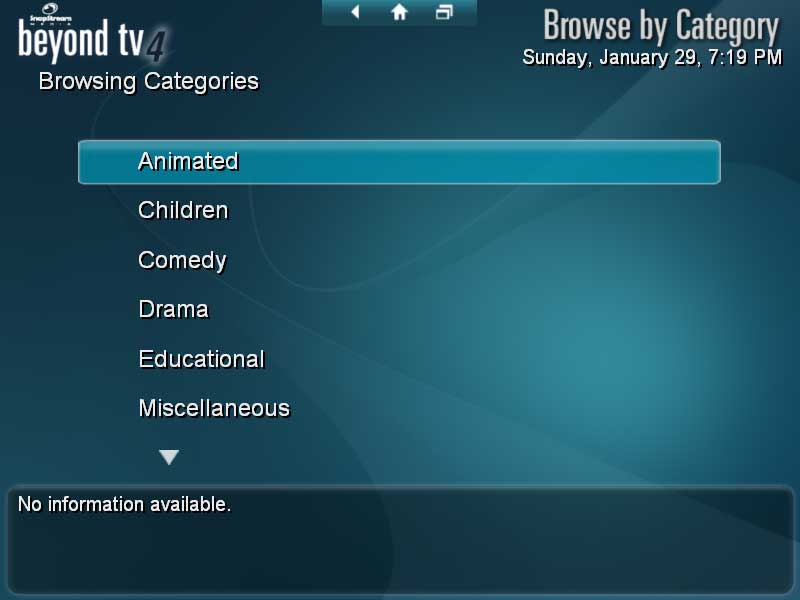
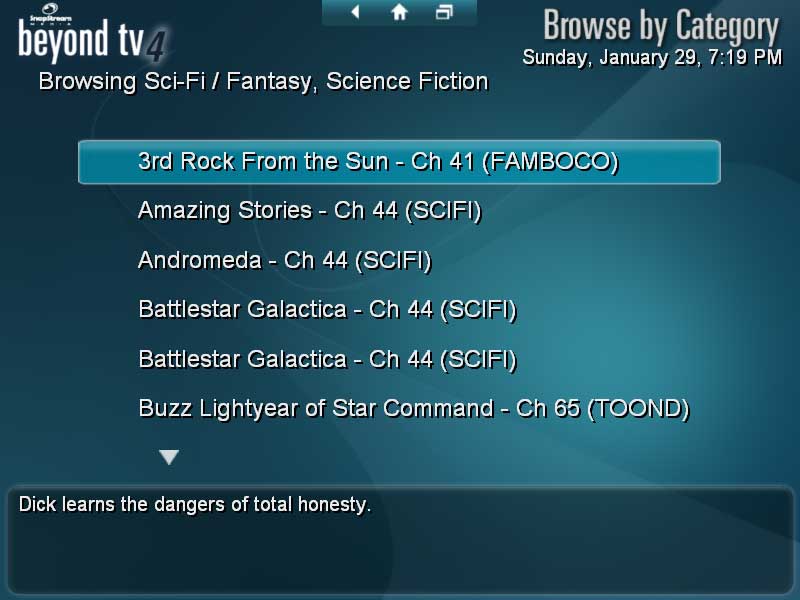
For finding
shows, there’s now support for finding by a particular category. If you are a
sports fan or a movie fan, this is a nice addition to the suite as well. When
I’m searching for NBA games to watch, it’s nice to be able to get a quick
glance of the games that will be playing that day rather than searching through
the guide. Beyond TV 4 support for category searches is a great addition
to the product.
A major
problem I had with the previous version was that the LiveTV buffer would be
completely erased once it hit the limit. I can't tell you how frustrated I was
when I would have my LiveTV paused for a good length of time to go do
something, come back to continue where I left off, only to have everything
erased. Media Center 2005 helps alleviate this situation by having the
LiveTV buffer recorded in sections. Once the limit was hit, only the oldest
section would be erased so it lessened the chances of you missing a buffered
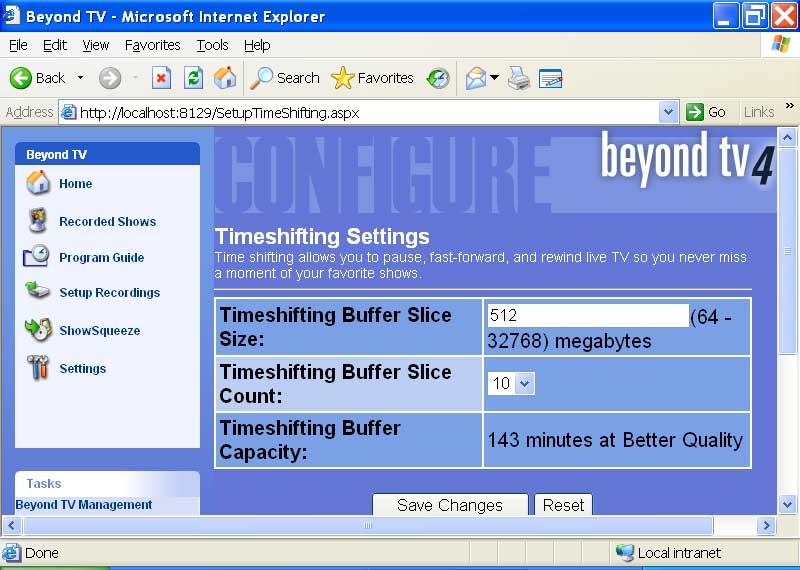
part of the show. Thankfully, Beyond TV 4 now lets you set slices of time
so that the handling of the buffer is a lot better. An improvement over
The
improvements to the buffer are also migrated to recording shows after you hit
the record button. One of things I hate about Media Center 2005 is that
I can’t record what I am watching from the buffer. Let’s say there’s this
documentary that I found pretty interesting and halfway through watching it, I
decide I want to keep the entire show. Microsoft’s program won’t let you
specify recording from the start of the buffer of the show. Beyond TV 4’s
backcapture feature lets you do this and it’s something that’s very convenient.
Now, I don’t have to worry about not recording the entire program if I decide
to save the current program I am watching for future viewing.
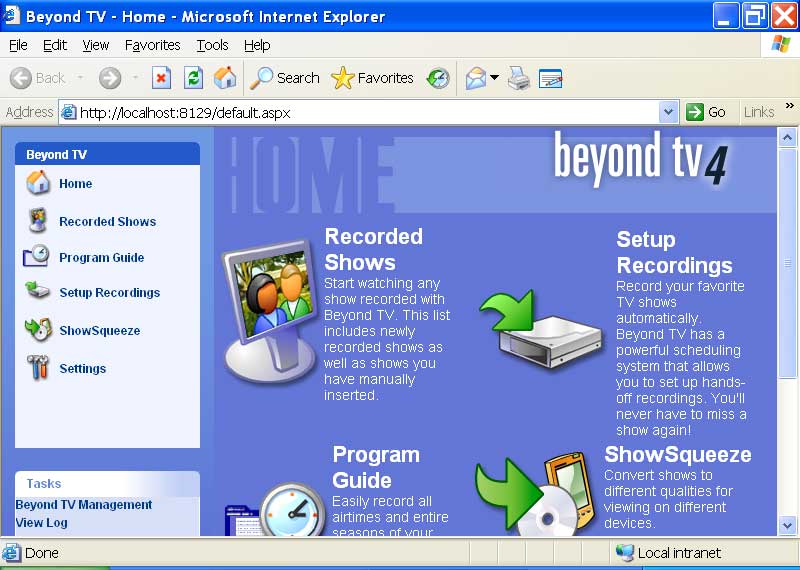
Most of
what you will need to do to configure your system will be in the main GUI but a
lot of the more advanced features are in the web admin. I still wish they
didn’t hide the ability to right click on the icon to access the web front end
until after you change in the options though.
The web
scheduler is still a big seller for me for Beyond TV
4. With any web browser, I can schedule recordings from www.snapstream.net . There’s even a
mobile version so if I am out on the town and I forgot to set the PVR, I can
use my phone to access the mobile website and program it on the road. This
feature alone has saved me a few times and it’s one of the things I always talk
about when speaking of this program.
Upgrades,
as usual, will be free until Snapstream decides to release a new version. From
my past experiences, the upgrades that Snapstream puts out does improve the
program immensely but there have been a few times where new bugs where
introduced that had me downgrading to a previous version. For the most part,
the upgrades are pretty good and will improve the program with many requested
features. The Snapstream community is pretty active I found them to be pretty
helpful when I had problems with my setup.
Is it
worth the upgrade from Beyond TV 3 to Beyond TV 4? Well, if you
plan on getting an OTA HD card it’s a no brainer. There are a few updates that
I really like about the latest version and for the price of $30 to upgrade,
it’s definitely worth it in my opinion. Just the list of improvements over the
original program should entice you to upgrade. You don’t get as many overall
media features as say Media Center 2005 if you are a new purchaser but
it’s also a lot less expensive. For a setup that’s close to the Windows OS,
you’ll need to combine the product with Beyond Media. Beyond TV 4’s
level of customization from the buffer amount to the display of the grid as
well as other aspects not mentioned does go far beyond what Microsoft’s product
can do. The new version has improved upon an already good product and I can’t
wait to see the new features this program will add as it continues to evolve.
Rating: 8.5 Very Good
* The product in this article was sent to us by the developer/company.

About Author
I've been reviewing products since 1997 and started out at Gaming Nexus. As one of the original writers, I was tapped to do action games and hardware. Nowadays, I work with a great group of folks on here to bring to you news and reviews on all things PC and consoles.
As for what I enjoy, I love action and survival games. I'm more of a PC gamer now than I used to be, but still enjoy the occasional console fair. Lately, I've been really playing a ton of retro games after building an arcade cabinet for myself and the kids. There's some old games I love to revisit and the cabinet really does a great job at bringing back that nostalgic feeling of going to the arcade.
View Profile